Z-Image Pro Art
MesMer1About this LoRA
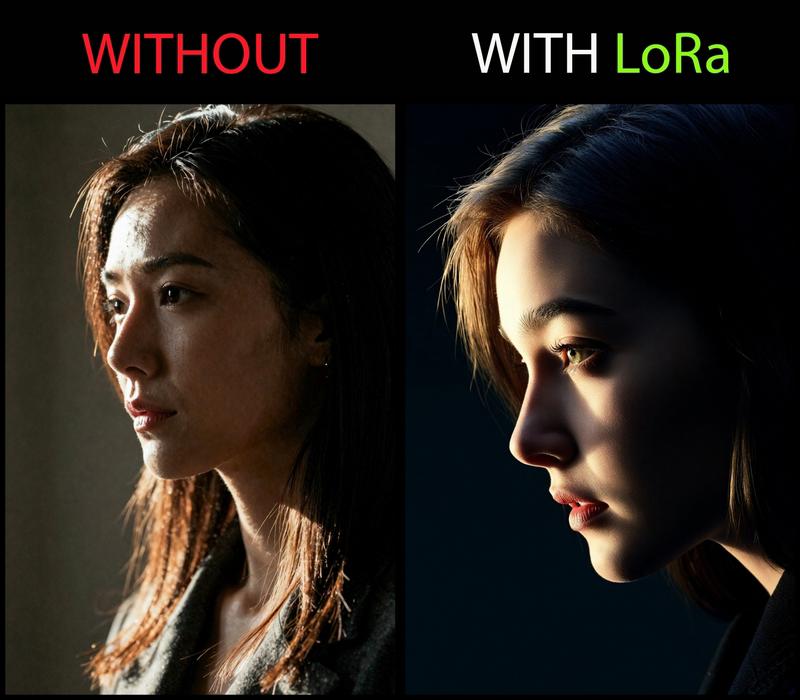
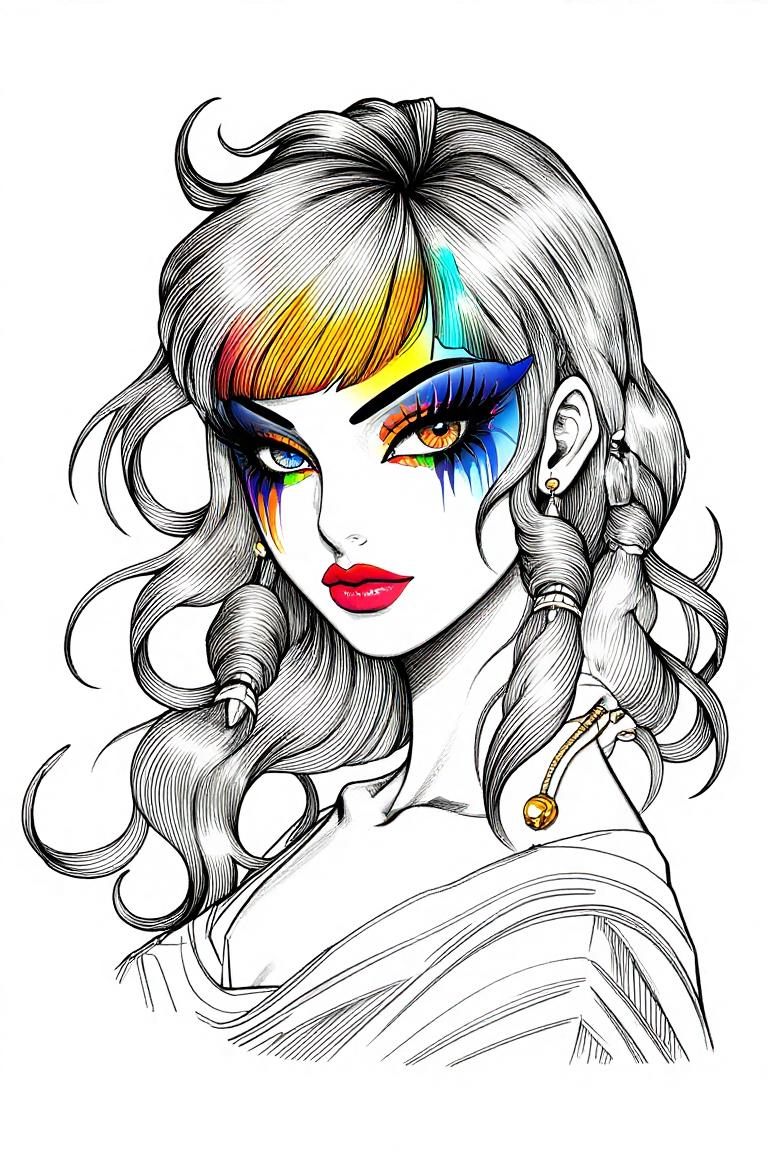
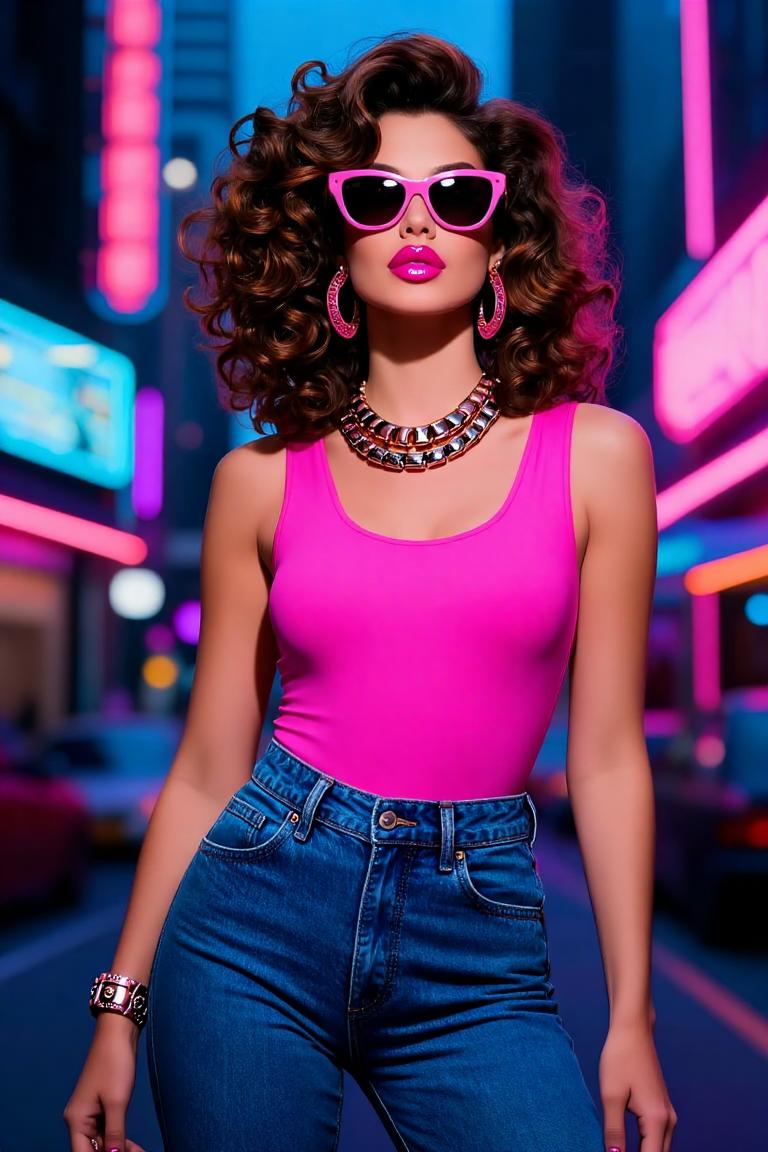
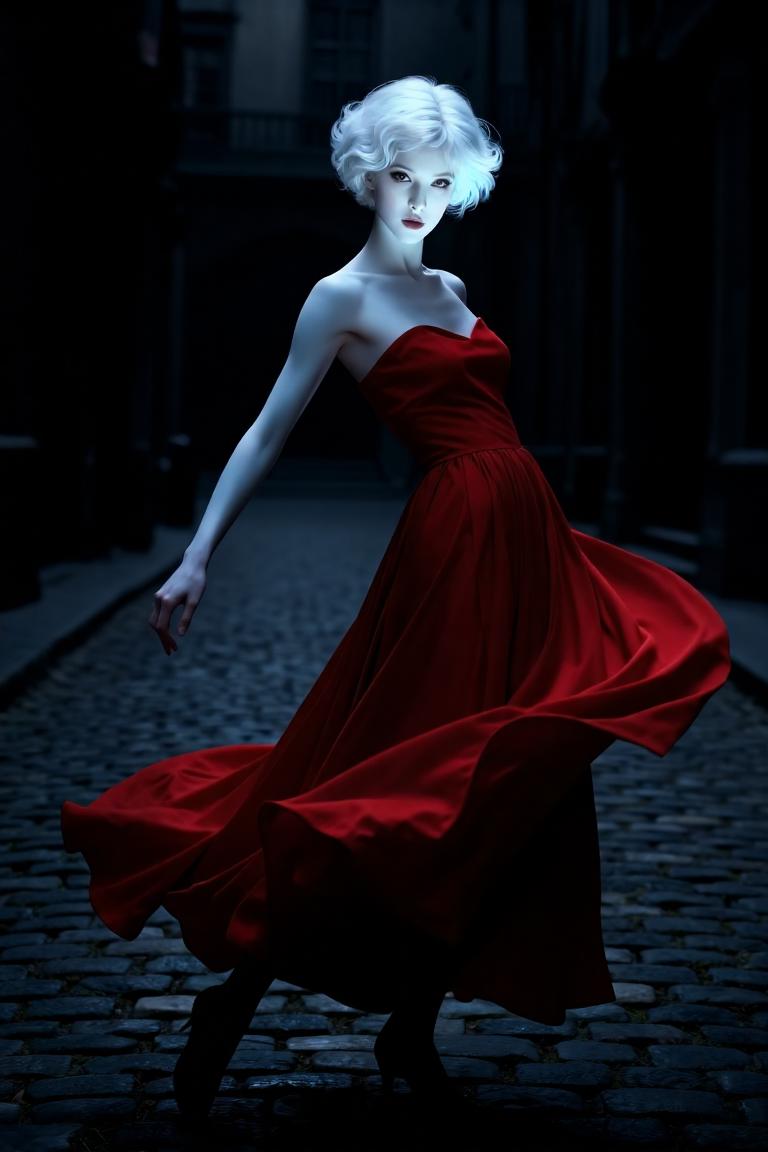
This LoRa takes Z-Image model to next level.shaper and higher quality images.Masterpiece artworks: Z-image is weak in many styles. This lora gives you...
Categories
Examples


Introduction
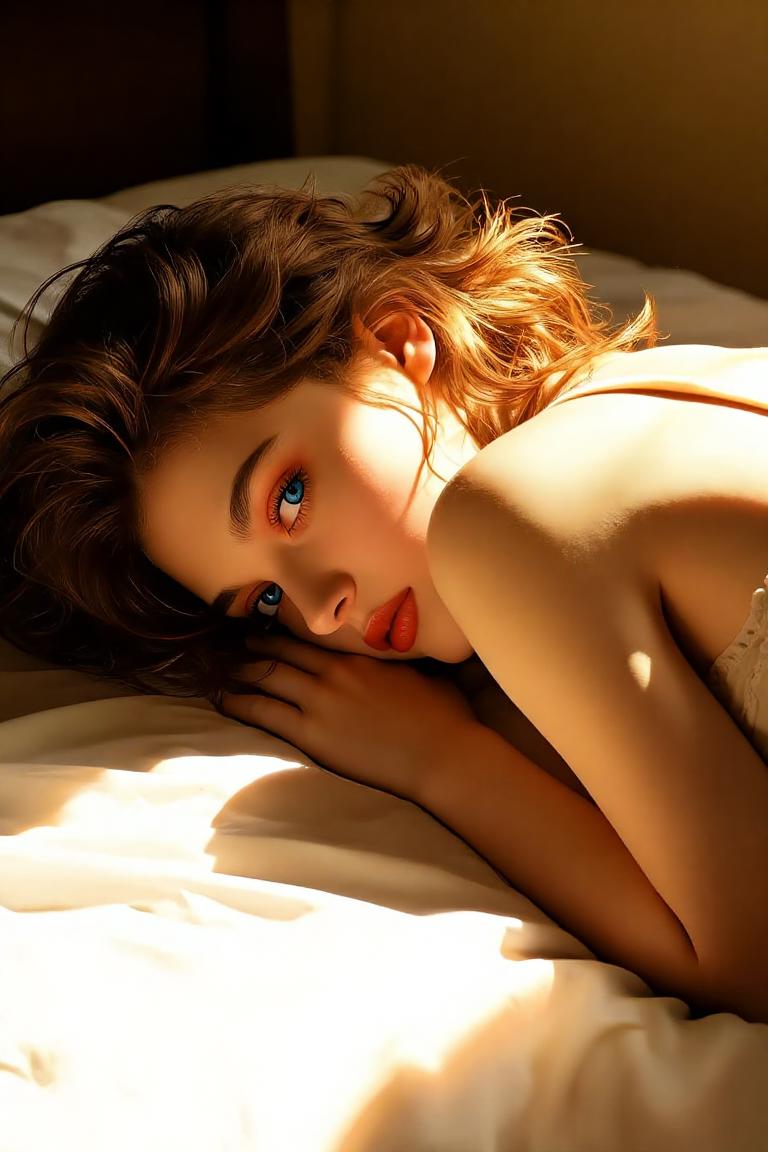
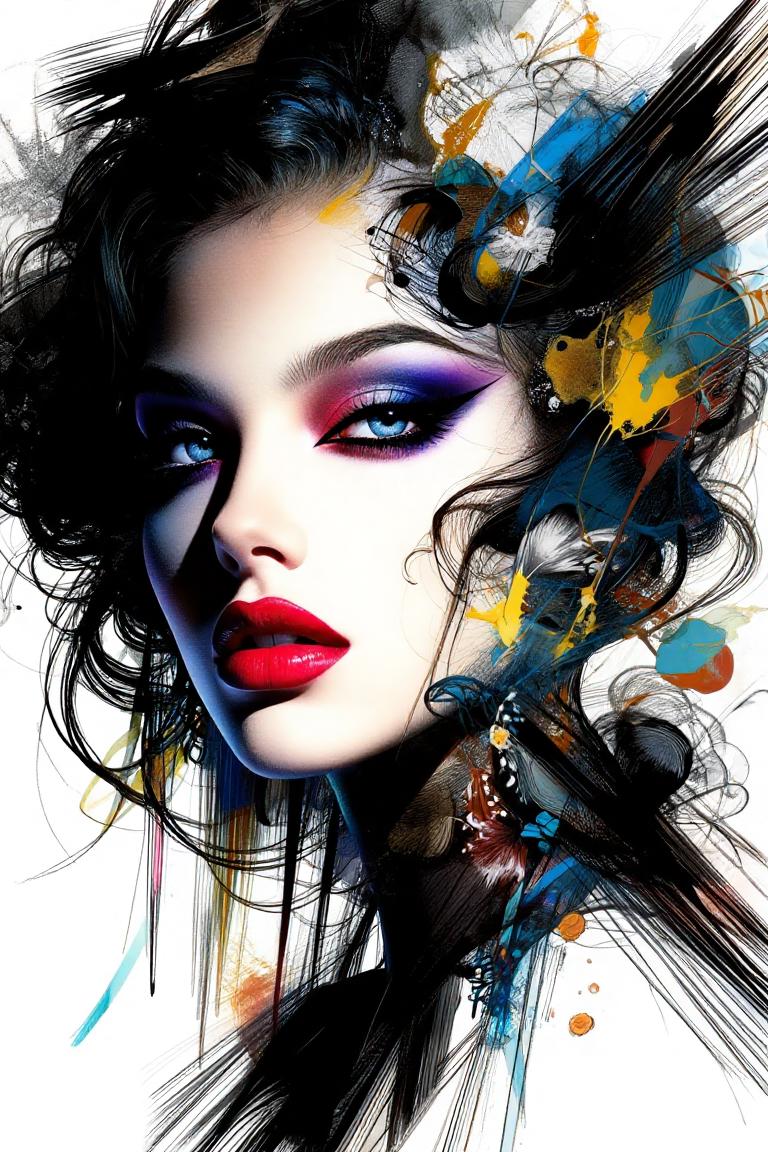
Ready to take your Z-Image creations to the next level? The Z-Image Pro Art LoRA is designed to give you sharper, higher-quality images and unlock a wider range of artistic styles. It's perfect for generating masterpiece artworks, moving beyond the base model's limitations into realms like illustration, surrealism, and abstract art.
How to Use
Getting started with Z-Image Pro Art is straightforward. Just make sure you're using the ZImageTurbo base model for the best results.
- Trigger Word: Always include
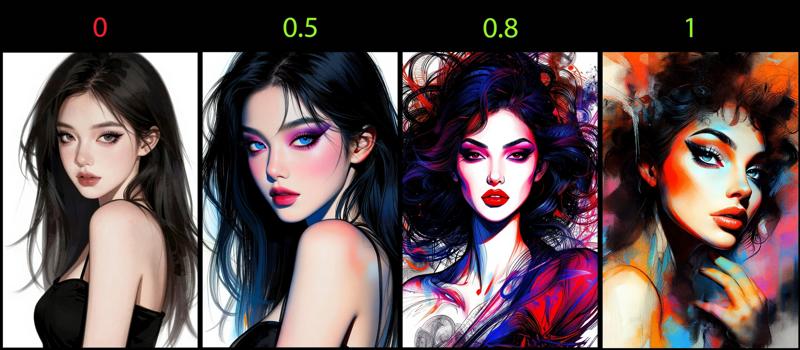
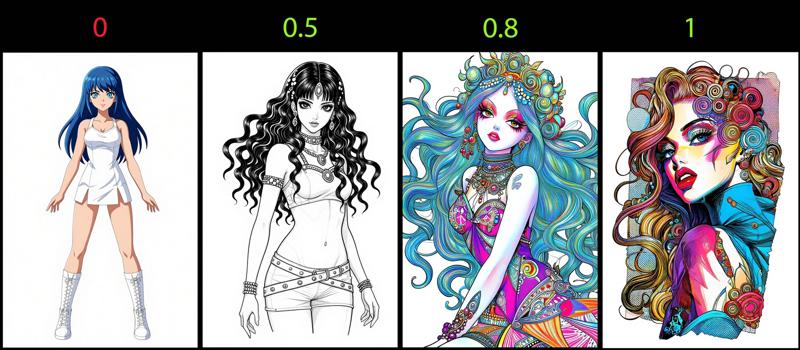
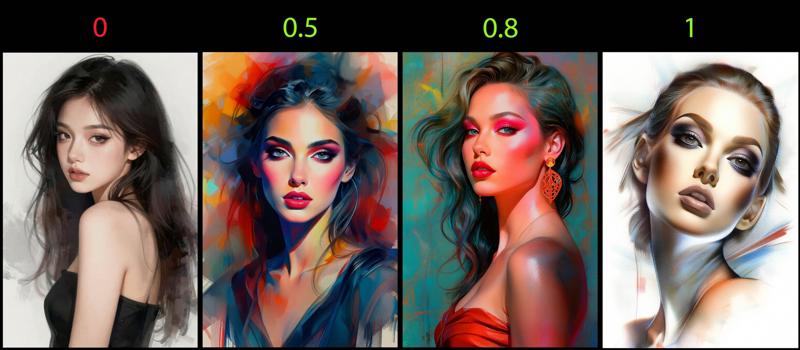
MesMer1in your positive prompt to activate the LoRA. - Recommended Weight: Start with a weight of
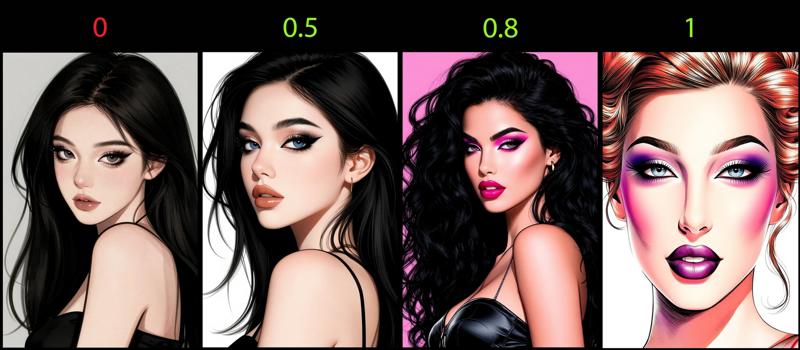
0.8for a balanced effect. You can experiment with weights between0.5and1to achieve different art styles and painting variations. A weight of0.5,0.8, or1will each yield distinct artistic outcomes. - Best Settings:
- Steps: 10-15
- CFG Scale: 1.5
- Sampling Method: Try
(euler + ddim_uniform)or(heunpp2 + beta)for optimal results.
- Character Appearance: When generating humans, expect a more Caucasian look.
FAQ
Q: What's the trigger word?
A: Use MesMer1 in your prompt to activate the LoRA.
Q: What weight should I use?
A: A weight of 0.8 is recommended as a starting point. You can experiment with weights between 0.5 and 1 to explore different art styles and painting effects.
Q: What base model is this for?
A: This LoRA is specifically designed for the ZImageTurbo base model.
Technical Details
- Base Model: ZImageTurbo
- Source: Civitai
Gallery