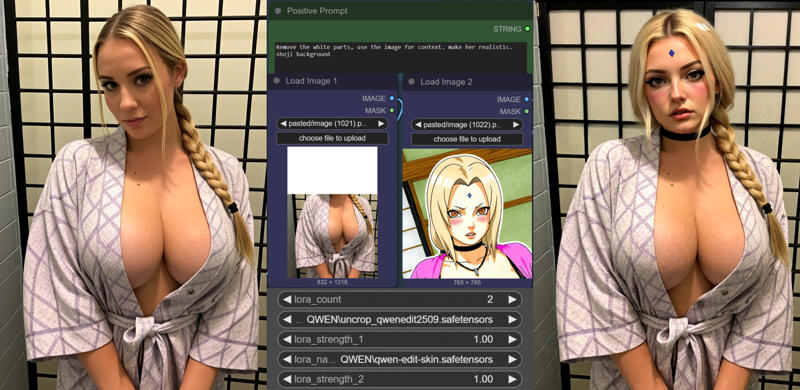
UNCROP/INPAINT/OUTPAINT WITH CONTEXT IMAGE for QWEN IMAGE EDIT 2509 LORA
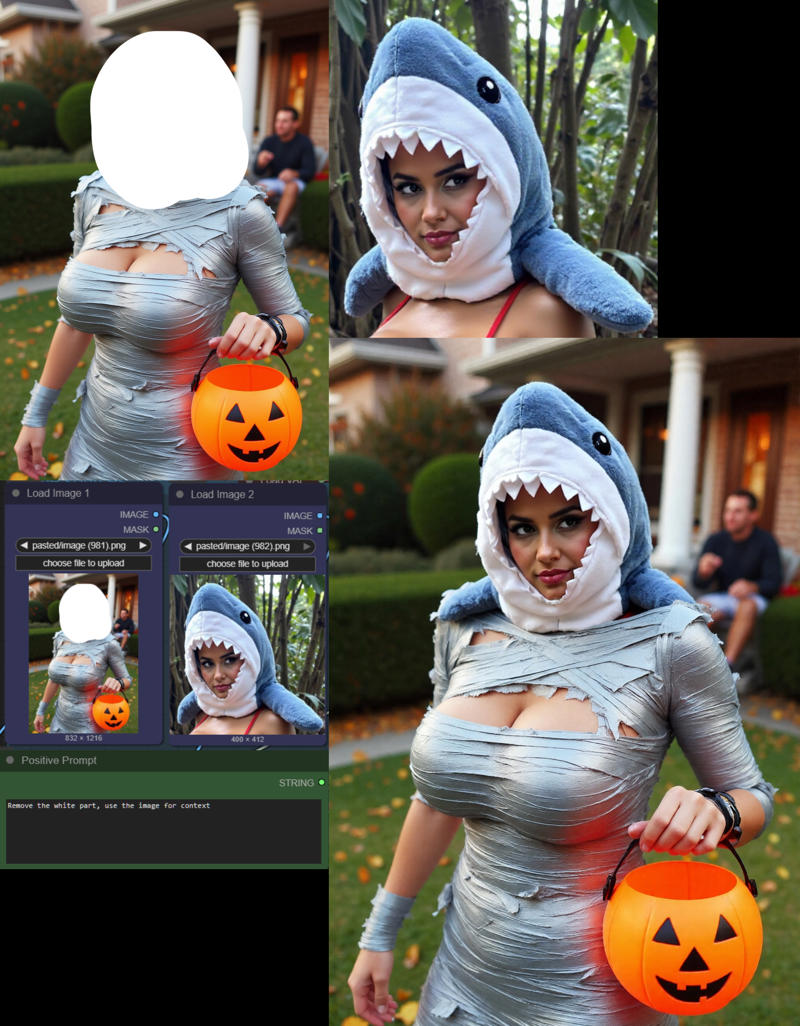
Remove the white parts, use the image for context.About this LoRA
Firstly, this is a concept that Qwen Image Edit can do already, kind of. It's pretty good at Outpainting by using the prompt Remove the white parts. You can...
Examples


Introduction
This LoRA model, UNCROP/INPAINT/OUTPAINT WITH CONTEXT IMAGE for QWEN IMAGE EDIT 2509 LORA, significantly enhances Qwen's ability to handle uncropping, inpainting, and outpainting tasks. It specifically improves how Qwen uses context images, making your image edits more seamless and effective. While Qwen can do some of this already, this LoRA makes the process much more reliable, especially when incorporating a context image.
How to Use
To get the best results with this LoRA, here's what you need to know:
- Trigger Word:
Remove the white parts, use the image for context. - Recommended Weight: While not explicitly stated, a weight between 0.7 and 1.0 is generally a good starting point for LoRAs.
For Uncropping/Outpainting:
- The main idea here is to take a cropped image, expand its canvas size, and fill the new areas with white. This expanded image becomes your primary input (Image 1).
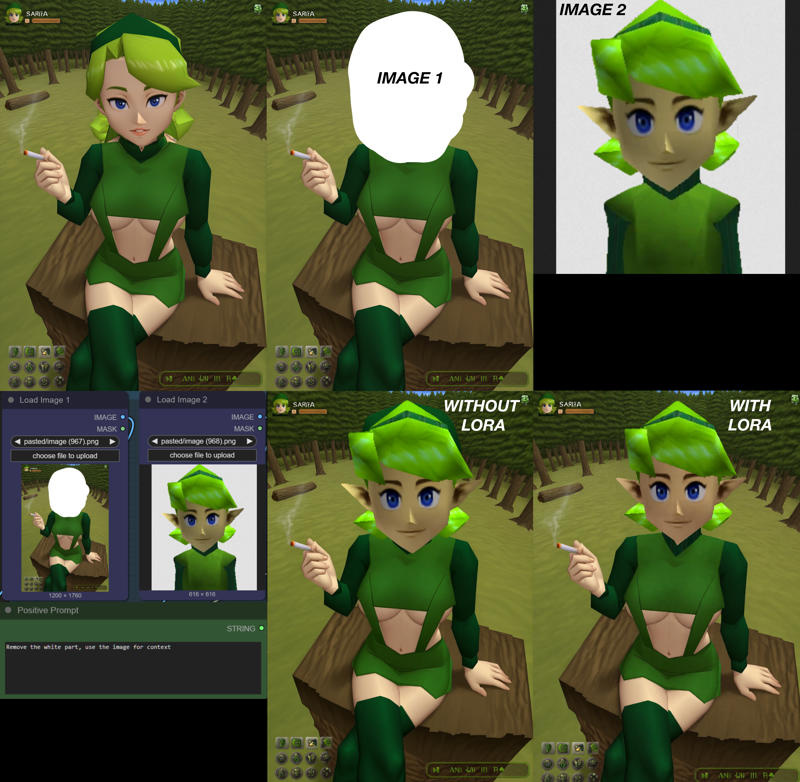
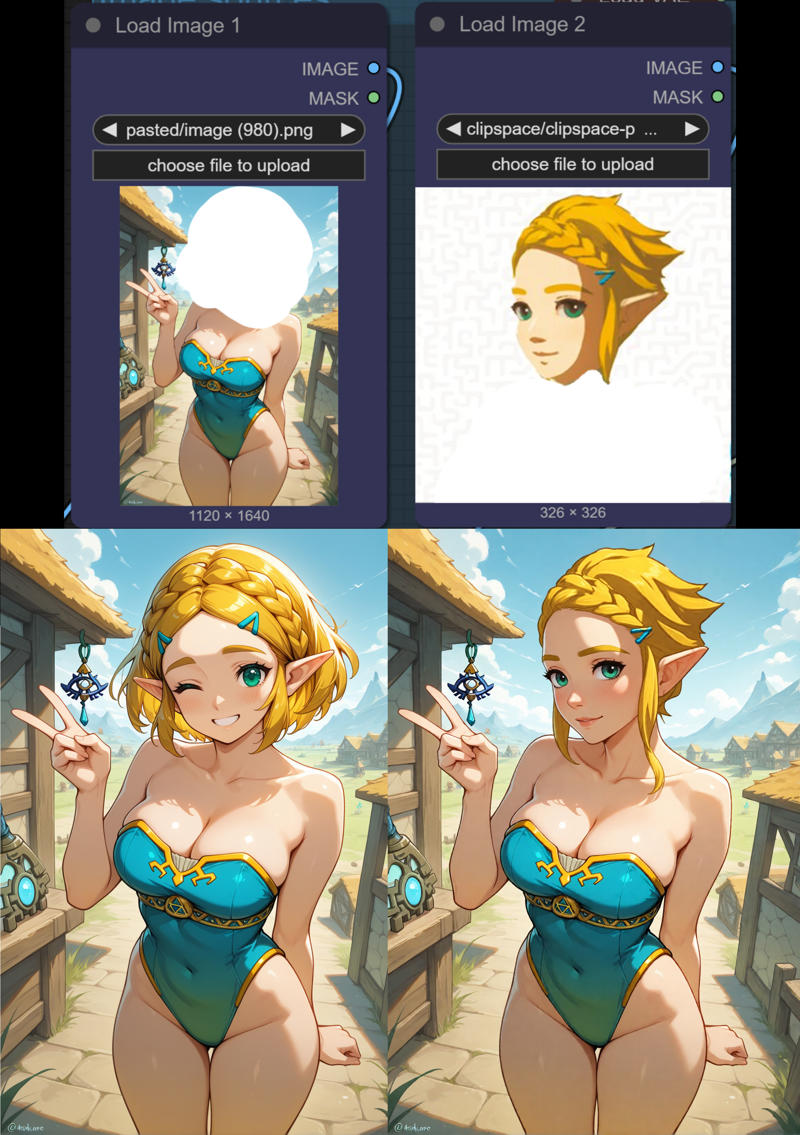
- Then, provide a context image (Image 2) that helps fill in the white space, like a person's head if you're extending a portrait. It's often helpful to crop Image 2 to a square and rotate it so it aligns well with where it would naturally fit on Image 1.
- If the quality or backgrounds of Image 1 and Image 2 are very different, you might need to add more specific details to your prompt, such as hair color or location. However, in general, using fewer details in your prompt tends to yield better results.
- This LoRA was trained exclusively on photos, but it surprisingly works well for anime styles too.
- Keep in mind: It was primarily tested and trained using white as the fill color for the expanded canvas.
For Inpainting:
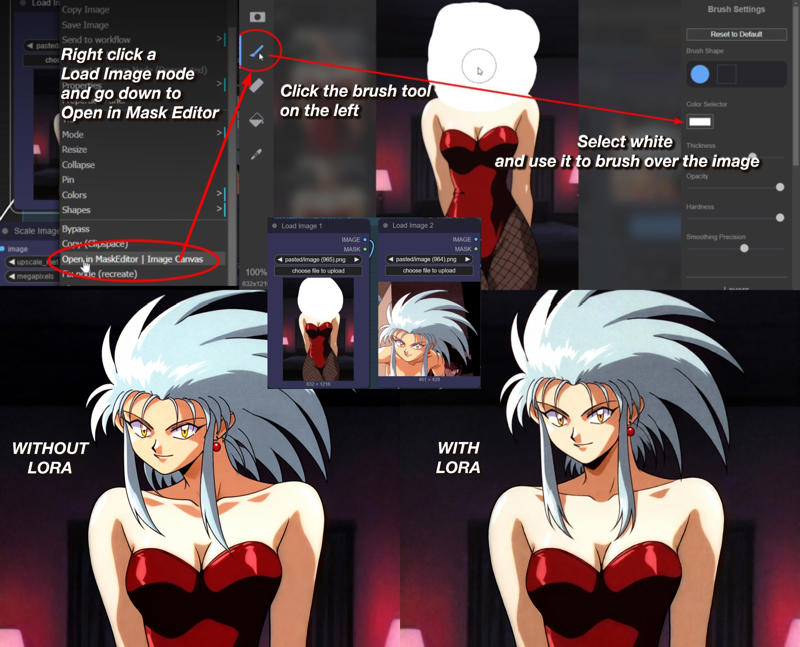
- You can use tools like Photoshop or the white paint feature in ComfyUI's Mask Editor to define the areas you want to inpaint.
FAQ
Q: What's the trigger word?
A: Use Remove the white parts, use the image for context. in your prompt.
Q: What weight should I use?
A: While not explicitly stated, a weight between 0.7 and 1.0 is a good starting point for most LoRAs.
Q: What base model is this for?
A: Qwen
Technical Details
- Base Model: Qwen
- Source: Civitai
- Training: Trained exclusively on photos using Runpod, with guidance from the Ostris Tutorial. It also seems to work for anime styles.
Gallery