Change Head and Face Lora for qwenedit2509 【换脸换头】
About this LoRA
easy to change head with lorav3 video:换头换脸V3版本lora发布,增强换头能力,同时增加只换脸的工作流_哔哩哔哩_bilibili多人换头工作流搭建讲解:https://www.bilibili.com/video/BV1kHCEBAE1o/v3工作流在线运行和免费下载:(...
Categories
Examples


Introduction
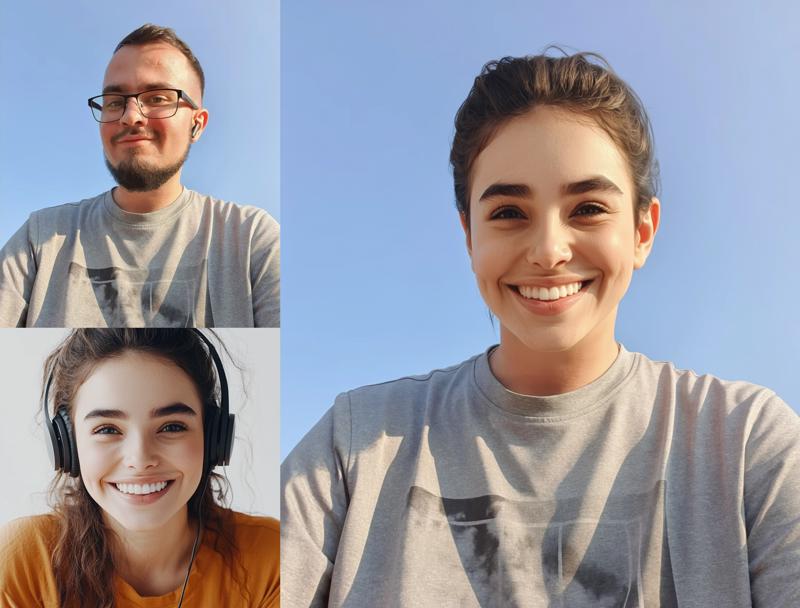
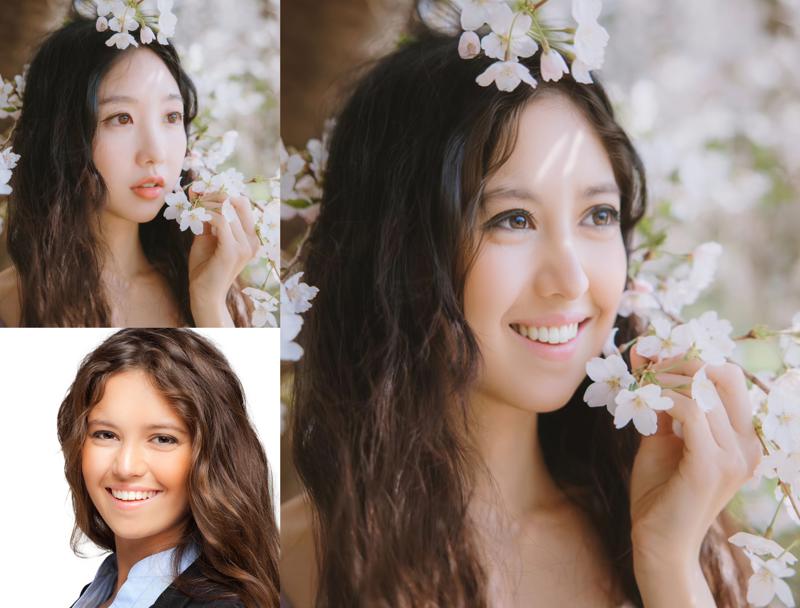
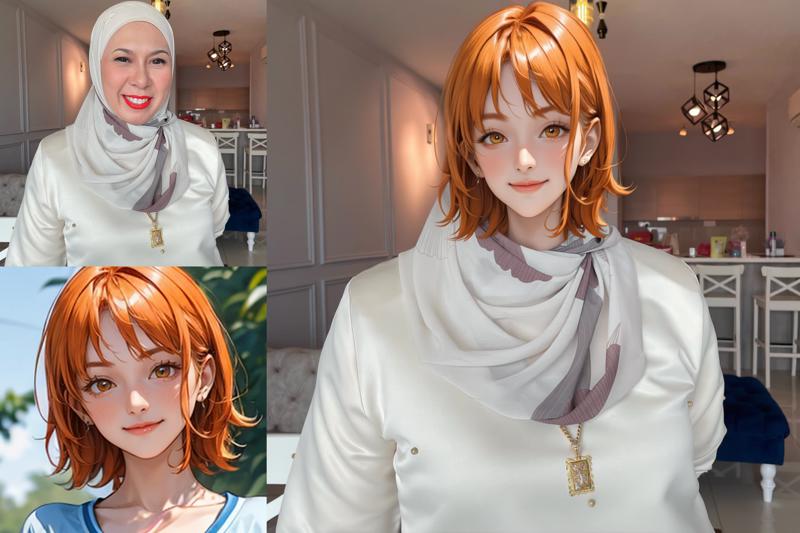
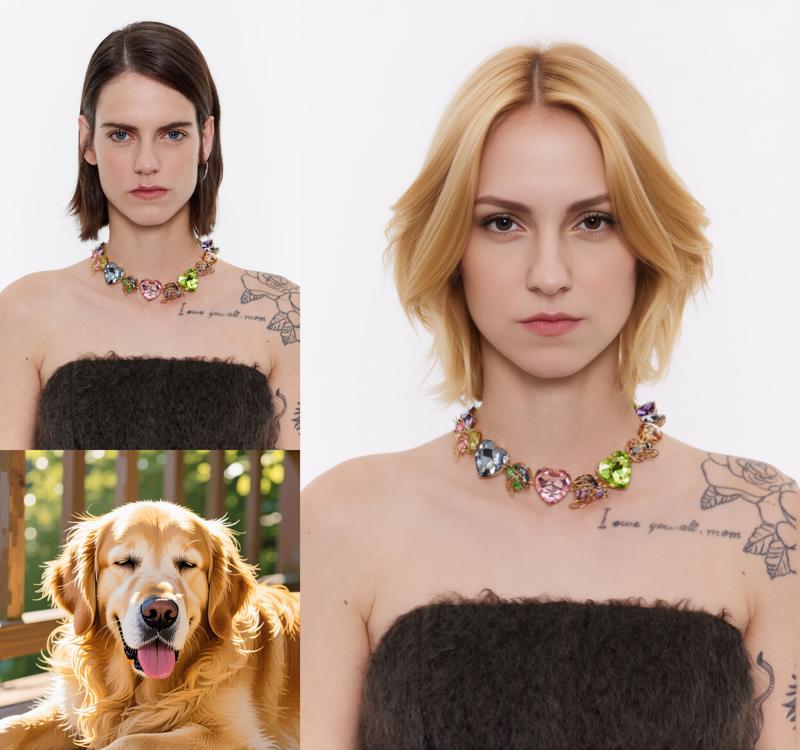
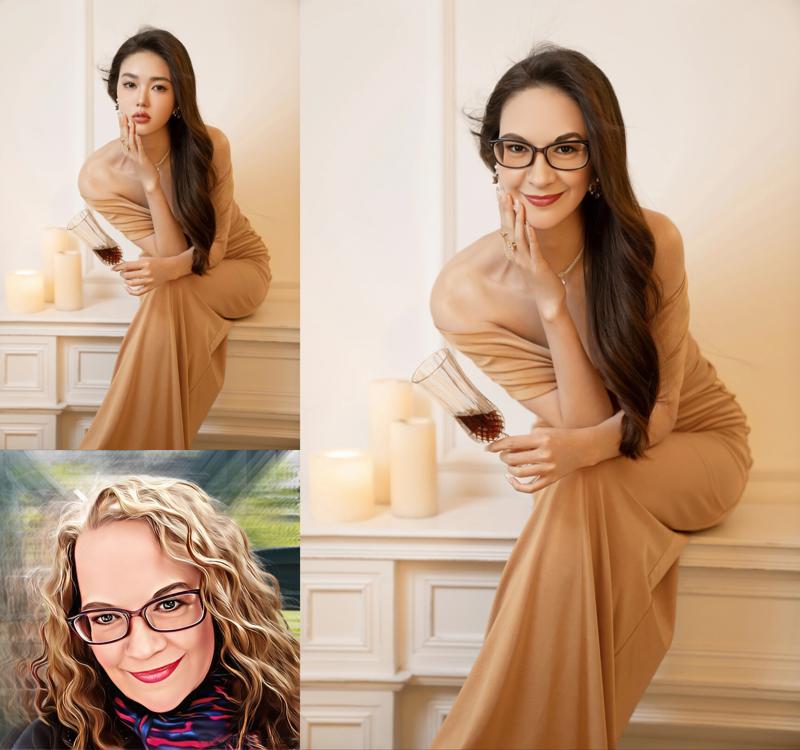
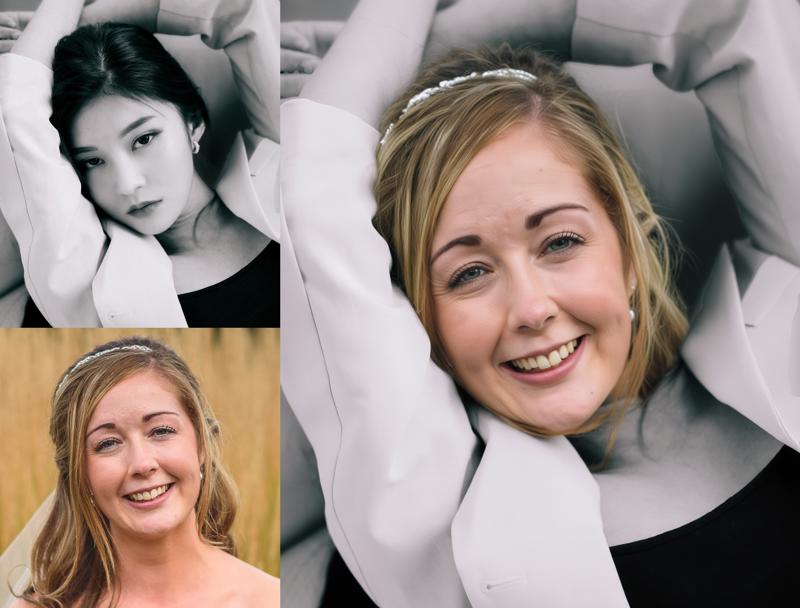
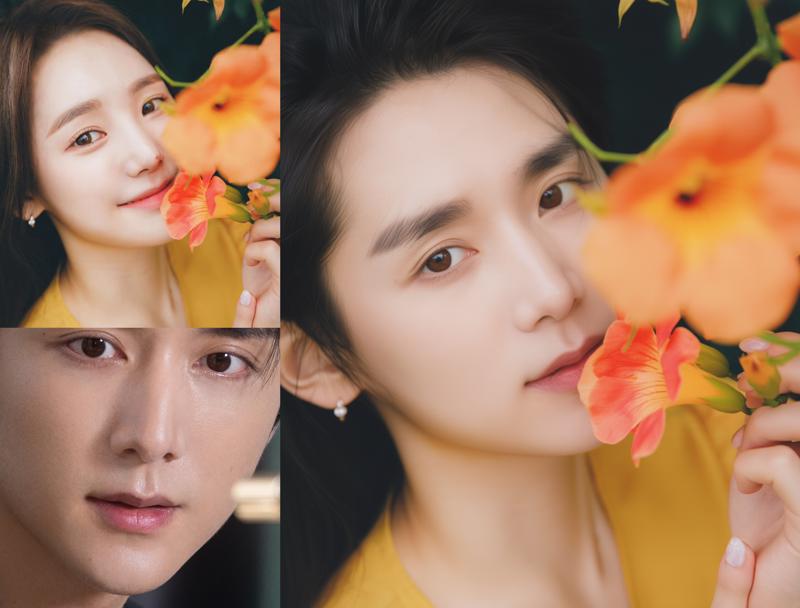
This LoRA model, "Change Head and Face Lora for qwenedit2509," offers an intuitive way to swap heads and faces in your generated images. Designed for seamless integration, it allows you to replace entire heads or just faces while adapting to the original scene's lighting and aesthetics. The latest V3 version brings enhanced capabilities for more natural and precise results, making complex edits much easier.
How to Use
-
Trigger Word: No specific trigger word is required for this LoRA.
-
Recommended Weight/Scale: Start with a weight between 0.7 and 1.0. You might need to adjust this value, potentially lowering it further, based on the lighting and color differences between your source images to achieve optimal blending.
-
Best Settings & Prompts: This LoRA is optimized for specific prompt structures to achieve head or face replacement. The author highly recommends using the original Chinese prompts for the best results, as the model was trained with them. English translations are provided below for convenience.
For Full Head Replacement (V3):
This comprehensive prompt aims to replace the entire head, including the face, hair, and accessories, while adapting to the original image's environment.Remove the hair, earrings (if any), necklace (if any), and hat (if any) of the character in Figure 1. Replace the face of the character in Figure 1 with the face of the character in Figure 2. Replace the hairstyle of the character in Figure 1 with the hairstyle of the character in Figure 2, with the same length and color as the character in Figure 2. Replace the facial expressions of the characters in Figure 1 with those in Figure 2, with eye contact and face orientation consistent with those of the characters in Figure 2. The face of the character in the final effect should be changed to the face of the character in Figure 2, and the face of the character in Figure 1 should no longer be retained. The hairstyle of the character checking the final effect should be changed to the hairstyle of the character in Figure 2, rather than retaining the hairstyle of the character in Figure 1. Integrating the light and shadow of the environment in image1For Face-Only Replacement (V3):
Use this prompt if you only want to change the face, keeping the original character's hairstyle and color.Replace the face of the character in Figure 1 with the face of the character in Figure 2. Maintain the hairstyle and color of the character in Figure 1, and do not switch to the hairstyle and color of the character in Figure 2 Replace the facial expressions of the characters in Figure 1 with those in Figure 2, with eye contact and face orientation consistent with those of the character in Figure 2. The face of the character in the final effect should be changed to the face of the character in Figure 2, and the face of the character in Figure 1 should no longer be retained. Check that the hairstyle and color of the character in the final effect are still the same as those in Figure 1, and do not change to the hairstyle and color of the character in Figure 2.
FAQ
Q: What's the trigger word?
A: No specific trigger word is required for this LoRA.
Q: What weight should I use?
A: The recommended weight is between 0.7 and 1.0. You might need to adjust it further down depending on the lighting and color differences between your input images to achieve optimal blending.
Q: What base model is this for?
A: This LoRA is designed for the Qwen base model.
Technical Details
- Base Model: Qwen
- Source: Civitai
Gallery